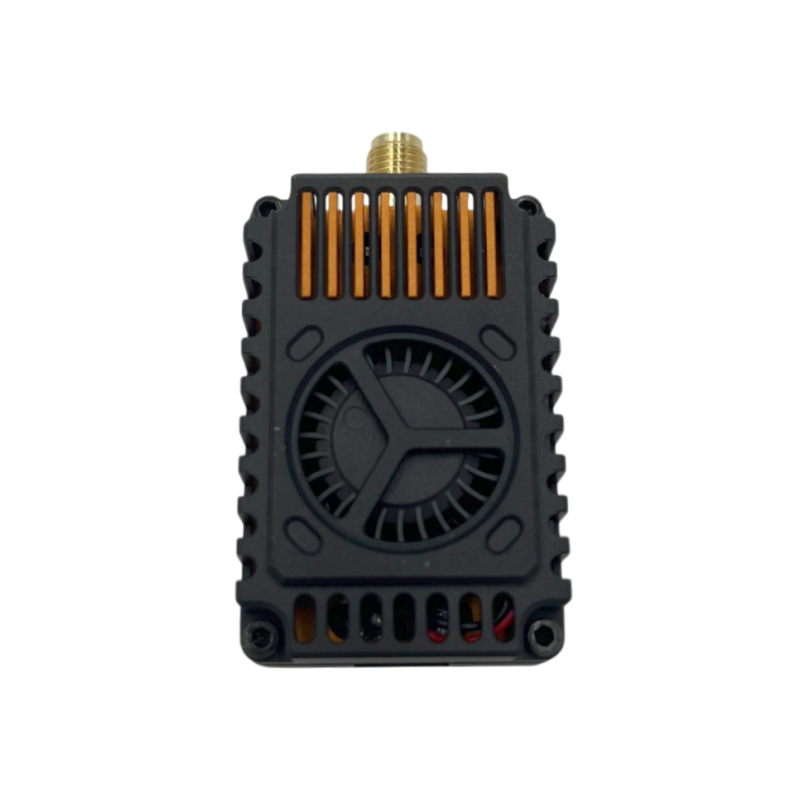
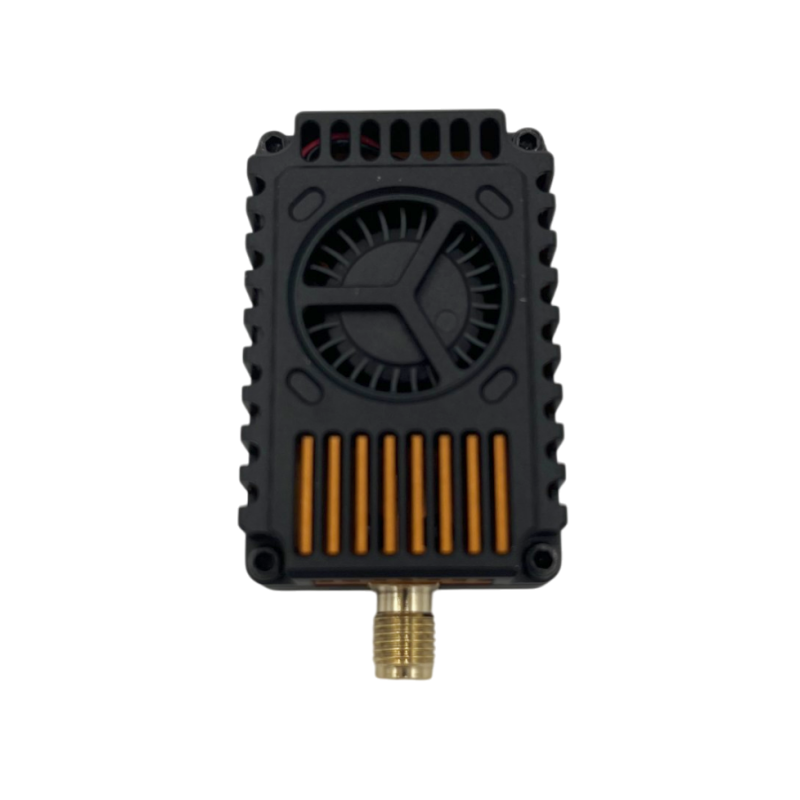
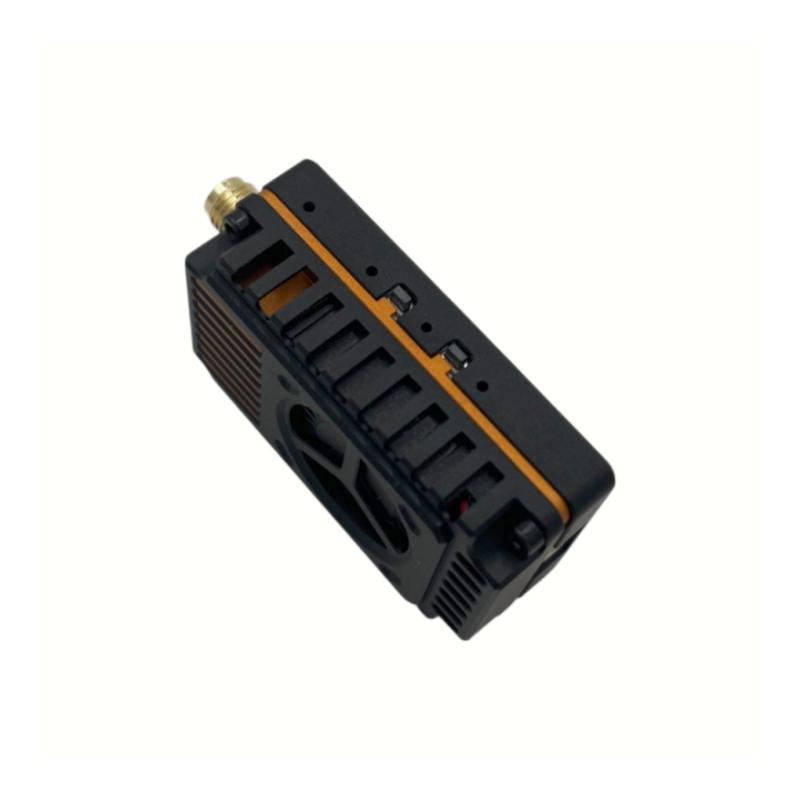
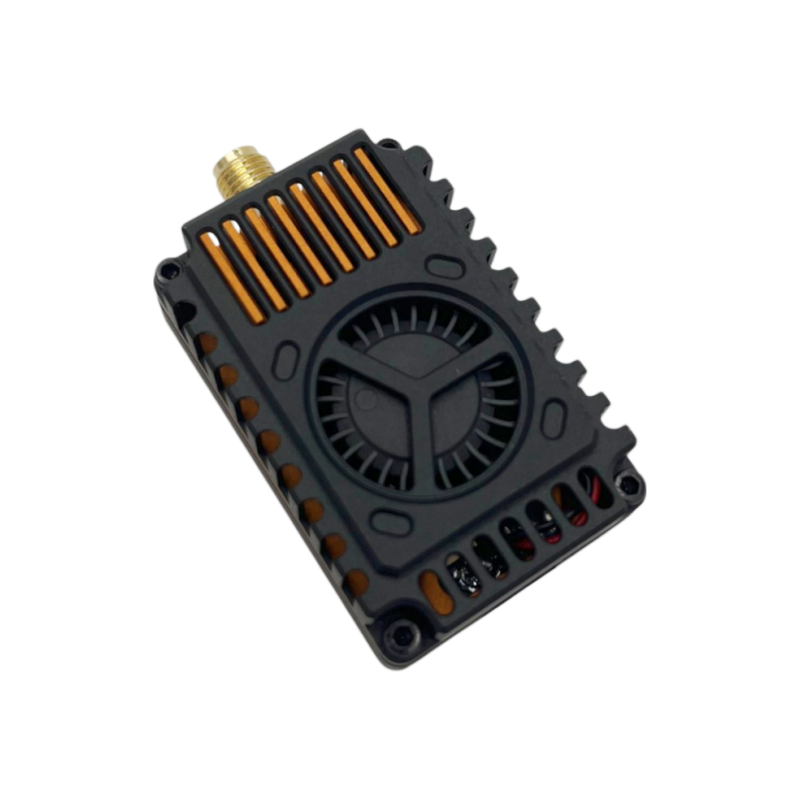
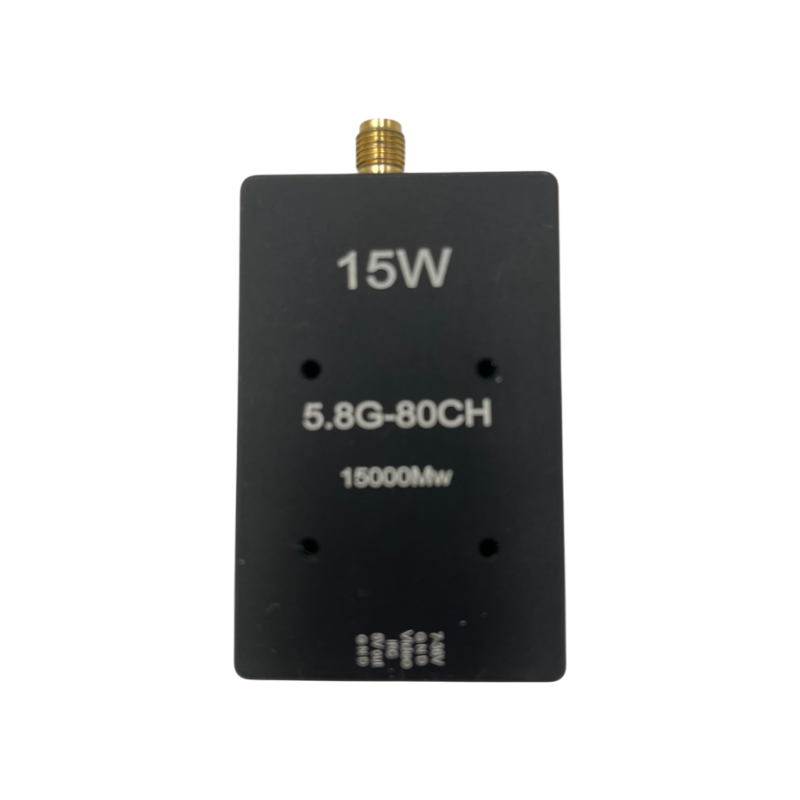
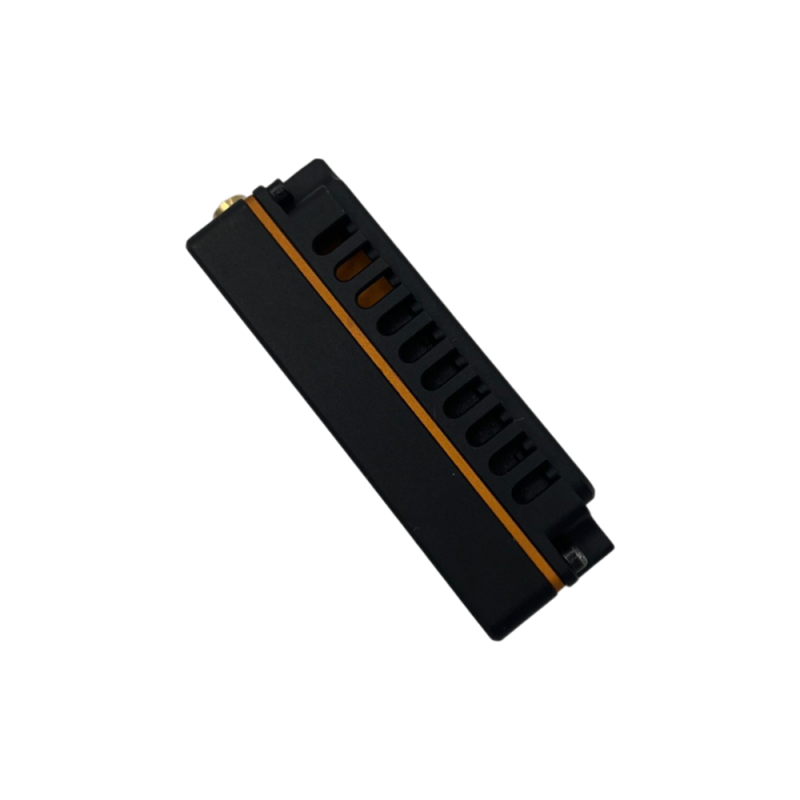
Item: 4.9GHz-5.9GHz 15000mW FPV VTX
SKU: VTX5G8-15000
I. Product Appearance

II. Specifications
1. 4.9GHz-6GHz 80CH frequency range: (4990MHz-5945MHz);
2. Max power:10W (1W/2W/5W/7.5W/10W adjustable);
3. Input voltage: DC 7V-36V, supporting 2-8S battery input
4. Antenna connector: SMA
5. Smart audio: IRC Tramp
6. Heat-dissipating method: aluminum alloy shell, heat sink&fan
7. Hole spacing: 20mm*20mm/ø2.0mm
8. Dimension: 64.13mm*37.2mm*17.2mm
9. Weight: 56g
III. Function Introduction
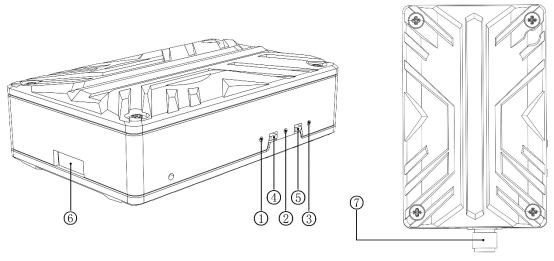
1. Channel indicator: Red LED
2. Band indicator: Blue LED
3. Power indicator: Green LED
4. Band & Channel changer button
5. Power changer button
6. 1.0 6P Power connector
7. Cooling Fan Power Cable Holder
8. MCX antenna connector
IV. Control method and LED indicator
1. Button ④ is used to switch band and channel; every time when button ④ is pressed for a short time to switch to the next channel, the red LED ①will flash, 1.2.3.4.5.6.7.8.9 in turn. The operation can be cyclic; see the following diagram for details!
|
Short press button ④ to switch channel |
|||||||||
|
Red LED |
CH1 |
CH2 |
CH3 |
CH4 |
CH5 |
CH6 |
CH7 |
CH8 |
|
|
Flash once |
Flash twice |
Flash for 3 times |
Flash for 4 times |
Flash for 5 times |
Flash for 6 times |
Flash for 7 times |
Flash for 8 times |
|
|
2. Long press button ④ to switch frequency band, long press for 5 seconds the corresponding blue LED will flash, in order of frequency group A.B. This operation can be cyclic; see the following figure for details!
|
Long press button ④ to switch band |
||||||||||
|
Blue LED |
Band A |
Band B |
Band E |
Band F |
Band R |
Band H |
Band L |
Band U |
Band O |
Band X |
|
Flash once |
Flash twice |
Flash for 3 times |
Flash for 4 times |
Flash for 5 times |
Flash for 6 times |
Flash for 7 times |
Flash for 8 times |
Flash for 9 times |
Flash for 10 times |
|
3. Button ⑤ is the power adjustment button, every short press the power switch one gear, between 1W, 2W, 5W, 7.5W, 10W five gear cycle. The green LED is the power indicator, the status is shown as below, 1W blinks 1 time, 2W blinks 2 times, 5W blinks 3 times, 7.5W blinks 4 times, 10W blinks 5 times. Long press for 3 seconds to enter pit mode, the green light is always on. See the picture below for details!
|
Short press button ⑤ to switch power |
||||||
|
Green LED |
Pit mode |
1W |
2W |
5W |
7.5W |
10W |
|
Everlasting brightness |
Flash once |
Flash twice |
Flash for 3 times |
Flashes for 4 times |
Flashes for 5 times |
|
Note: This microphone has a temperature protection function, when the temperature of the microphone is higher than 100 ℃, the transmitter power of this microphone will be reduced by one step, if the temperature is still higher than 100 ℃ continue to reduce the power by one step until the lowest power (1W); at this time, the microphone temperature will be lowered, and when the temperature is lowered to 95 ℃, the transmitter power will be returned to the originally set power level.
VI. Frequency Table
|
频道对应参数表/ Frequency Table |
|||||||||
|
Channel |
1 |
2 |
3 |
4 |
5 |
6 |
7 |
8 |
CH |
|
Band A |
5865 |
5845 |
5825 |
5805 |
5785 |
5765 |
5745 |
5725 |
MHz |
|
Band B |
5733 |
5752 |
5771 |
5790 |
5809 |
5828 |
5847 |
5866 |
MHz |
|
Band E |
5705 |
5685 |
5665 |
5645 |
5885 |
5905 |
5925 |
5945 |
MHz |
|
Band F |
5740 |
5760 |
5780 |
5800 |
5820 |
5840 |
5860 |
5880 |
MHz |
|
Band R |
5658 |
5695 |
5732 |
5769 |
5806 |
5843 |
5880 |
5917 |
MHz |
|
Band L |
5333 |
5373 |
5413 |
5453 |
5493 |
5533 |
5573 |
5613 |
MHz |
|
Band X |
4990 |
5020 |
5050 |
5080 |
5110 |
5140 |
5170 |
5200 |
MHz |
|
Band H |
5653 |
5693 |
5733 |
5773 |
5813 |
5853 |
5893 |
5933 |
MHz |
|
Band U |
5325 |
5348 |
5366 |
5384 |
5402 |
5420 |
5438 |
5456 |
MHz |
|
Band O |
5474 |
5492 |
5510 |
5528 |
5546 |
5564 |
5582 |
5600 |
MHz |
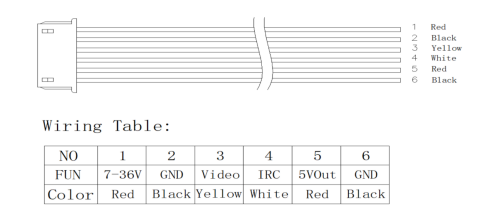
VII. Illustrate of 6P 1.0 Wiring
VIII. Notice for Use:
1. The VTX must be installed with space to ensure that the air convection around the module to ensure that the module heat dissipation; otherwise, the module overheating protection start, reduce the power to transmit, or even shut down the power to transmit.
2. It is recommended that before turning on the power, to ensure that the correct voltage range, positive and negative poles are correct, so as not to burn components.
3. It is recommended that before turning on the power, make sure that the RF RF output has been installed antenna, which can extend the life of the module.
4. Please read the instruction manual before use, so that you can correctly wire and extend the module service life.